How to Build a 1440p Gaming PC in 2026: A Practical Parts Guide
· by the Satoshinc team
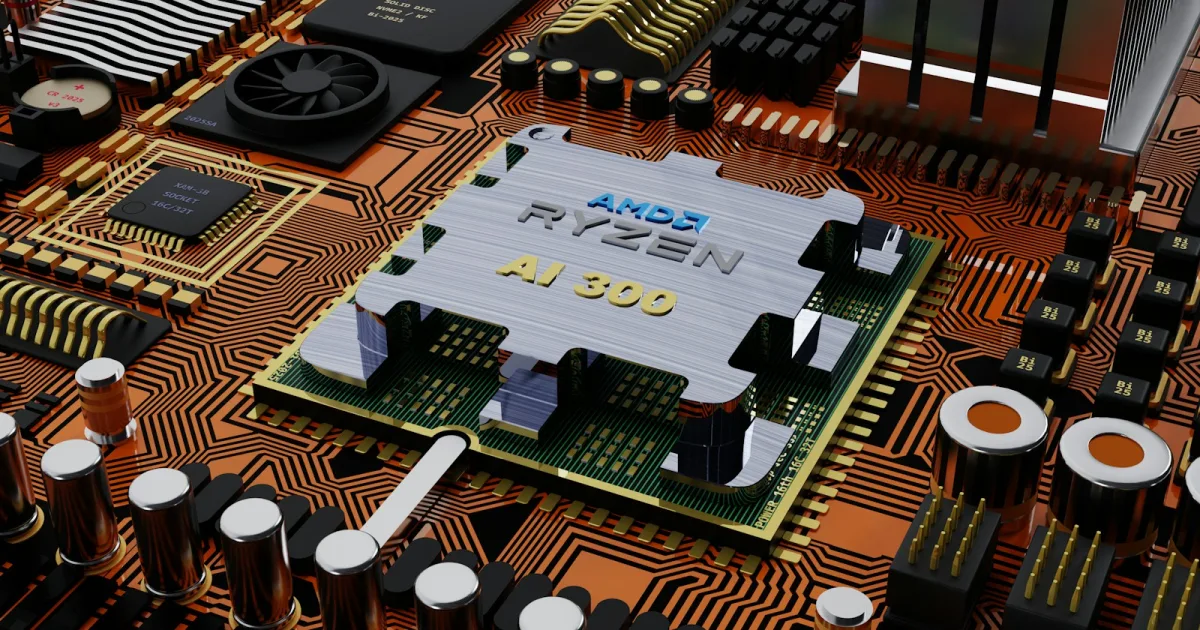
A well-balanced 1440p gaming PC in 2026 does not need the most expensive parts on the shelf — it needs a CPU and GPU that are actually matched to each other, enough VRAM to not choke on modern textures, and RAM fast enough to keep up. Overspend on one part while starving another and you've built an unbalanced system that underperforms its total price tag. Here's what balance actually looks like at three budget tiers.
The sweet-spot build (~$1,700)
A Ryzen 7 7800X3D paired with an RTX 4070 Super, 32GB of DDR5-6000, and a 2TB NVMe SSD is the build most enthusiasts point to as the genuine sweet spot for 2026: strong 1440p performance, 300+ FPS in competitive titles, and enough headroom that it won't feel dated in two or three years. The 7800X3D's large cache is what makes it punch above its price in gaming specifically, even against CPUs with higher clock speeds. It's the same tier our own Vector Pro build is tuned for, if you'd rather have it sourced and burn-in tested than build it yourself.
The budget-conscious build (~$1,200-1,500)
The arrival of the RTX 5060 Ti brought DLSS 4 Multi-Frame Generation down into the sub-$500 GPU tier for the first time, which matters a lot for anyone trying to hit smooth 1440p without a flagship card. Pair it with a Ryzen 5 9600X — its 6 cores and Zen 5 IPC are enough to keep a mid-range GPU fully fed at 1440p without becoming the bottleneck. If your budget allows a bump up, the Ryzen 7 9700X is a genuinely strong long-term pick on the AM5 platform.
The VRAM decision that actually matters
If a GPU comes in both an 8GB and a 16GB variant, take the 16GB version — VRAM headroom is increasingly the thing that decides whether a card ages gracefully or starts stuttering in newer titles at 1440p Ultra settings well before its raw compute power becomes the limiting factor. 8GB is workable as an absolute floor in 2026; 12GB or more is the realistic recommendation for anyone building for 1440p specifically.
Memory: 32GB is the real standard now
32GB of RAM has become the practical standard for 2026 gaming builds, not the enthusiast overkill it used to be — modern titles and the background load of streaming, Discord, and browser tabs alongside them add up faster than most builders expect. For AMD platforms specifically, DDR5-6000 is the sweet spot because it matches the Infinity Fabric at a clean 1:1 ratio, which is where AM5 platforms see their best real-world performance.
Where to spend, where to save
| Component | Where to spend | Where you can save |
|---|---|---|
| GPU | VRAM capacity (get 12GB+) | Chasing the very top-tier model |
| CPU | A CPU that matches your GPU tier | Paying for far more cores than games use |
| RAM | 32GB at the right speed for your platform | Going beyond 32GB "just in case" |
| Storage | A real NVMe SSD, 2TB if budget allows | A second drive you don't need on day one |
| PSU | A reputable brand at the correct wattage | Overbuying wattage you'll never draw |
If you'd rather skip the build
Sourcing matched parts, testing for stability, and burning in a new build correctly takes real time even when you know exactly what you're doing — and GPU and memory pricing has been genuinely volatile through 2026, which makes a bad ordering week cost more than it should. If you'd rather have a system built, burn-in tested, and warrantied without doing the sourcing yourself, that's exactly what our custom gaming PC builds are for.
Quick answers
How much VRAM do I actually need for 1440p gaming in 2026?
12GB or more is the realistic recommendation for 1440p. 8GB works as an absolute floor but increasingly limits how well a card ages, since VRAM capacity is running into modern texture and asset sizes before raw GPU compute power becomes the bottleneck.
Is 32GB of RAM overkill for gaming in 2026?
No, it is the practical standard now, not enthusiast overkill. Modern games plus the background load of streaming, chat apps, and browser tabs add up to more than 16GB comfortably handles.
What matters more for 1440p gaming: CPU or GPU?
Neither alone — what matters is that they are matched. An expensive GPU paired with a weak CPU bottlenecks at the CPU, and an expensive CPU paired with a weak GPU wastes money on cores the game never touches.